MOON QUARTZ 慕珀
溫柔,
也是一種力量
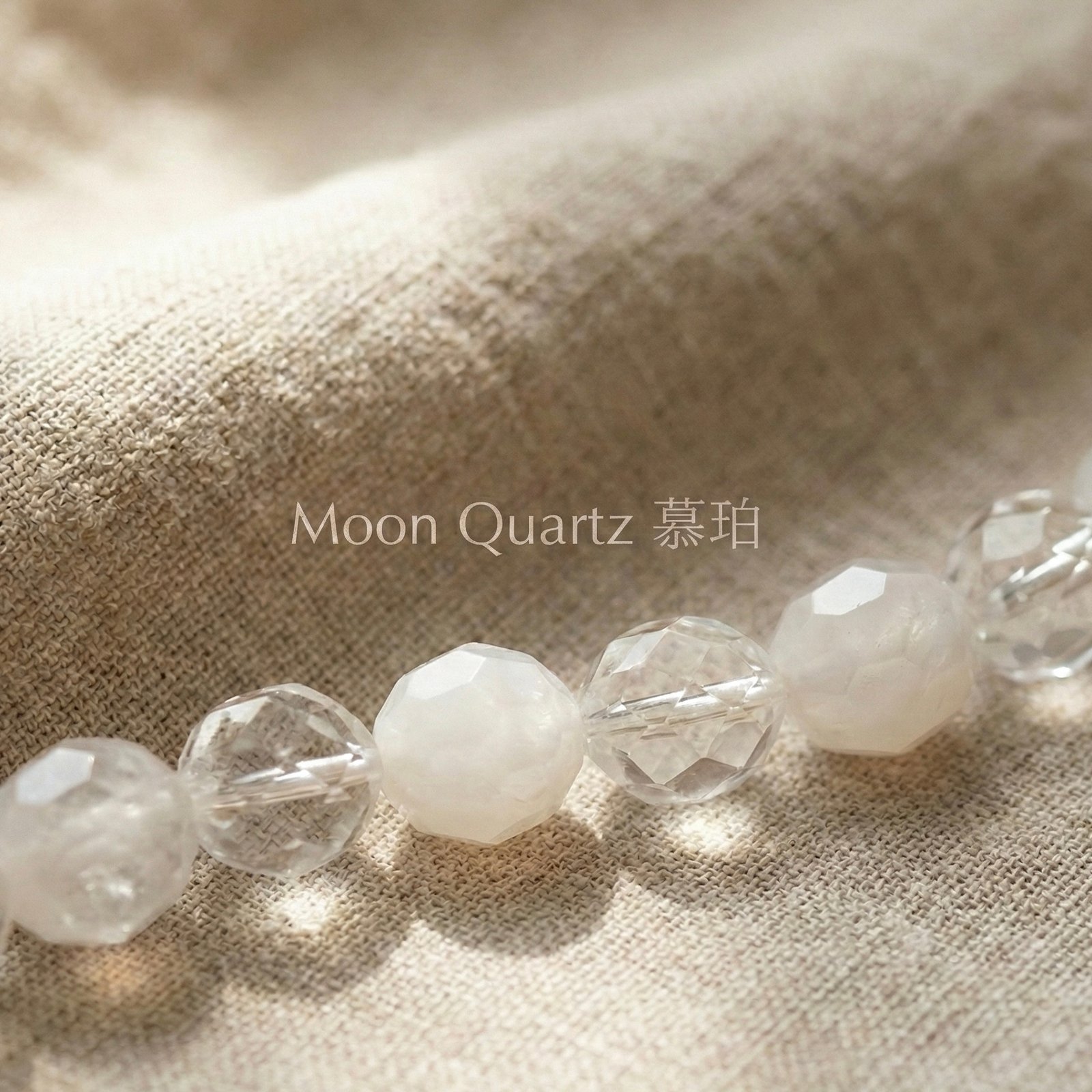
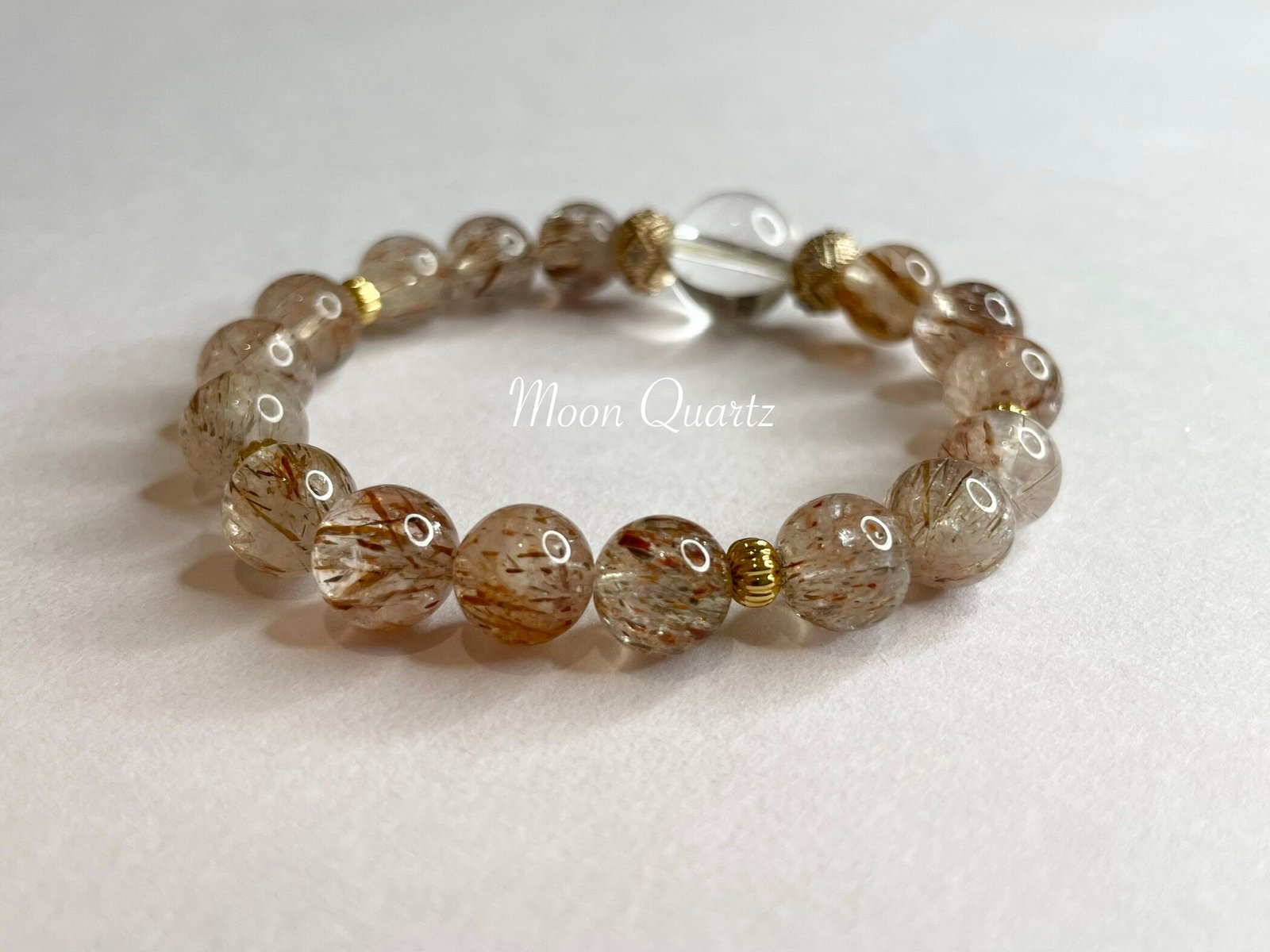
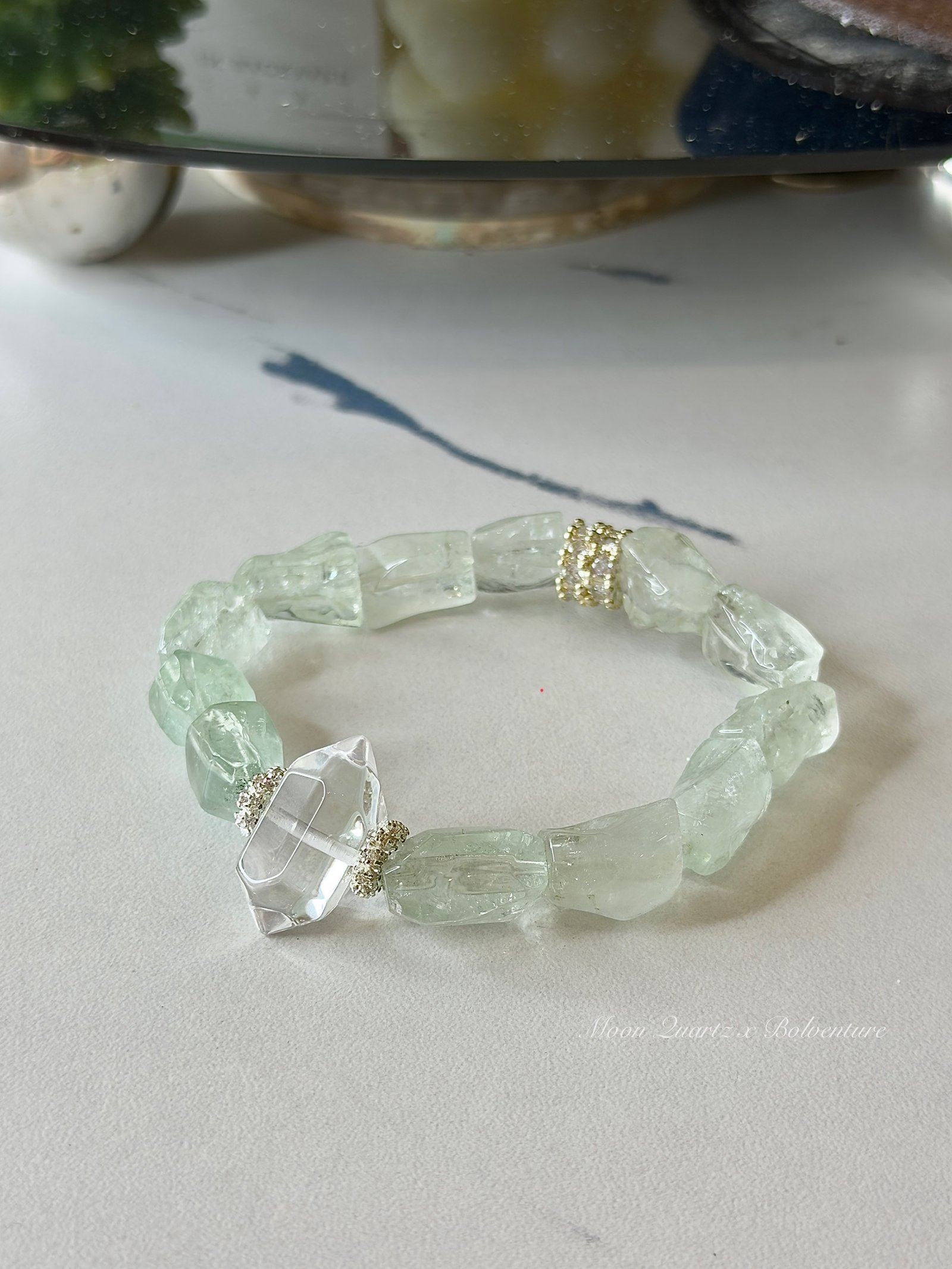
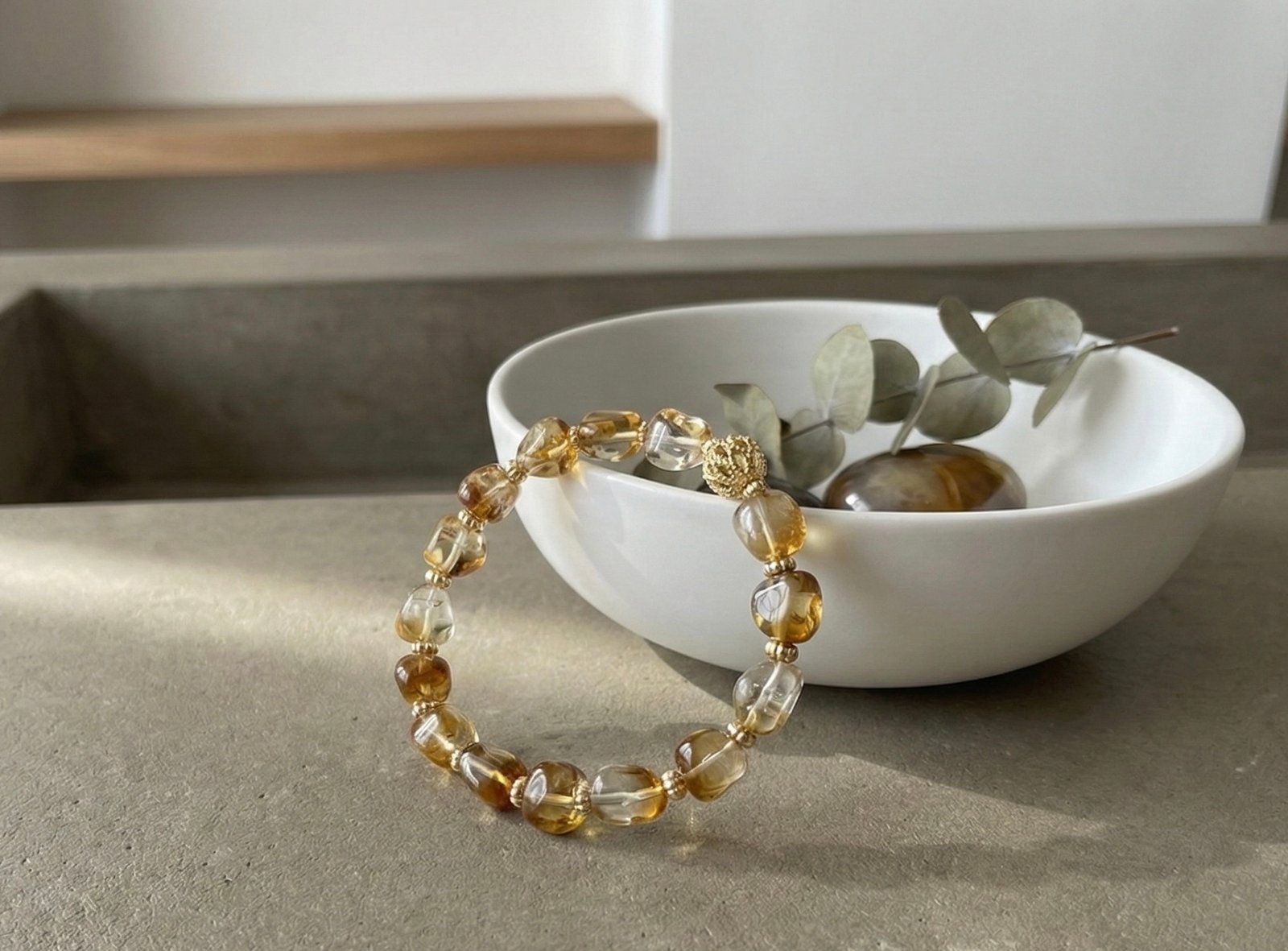
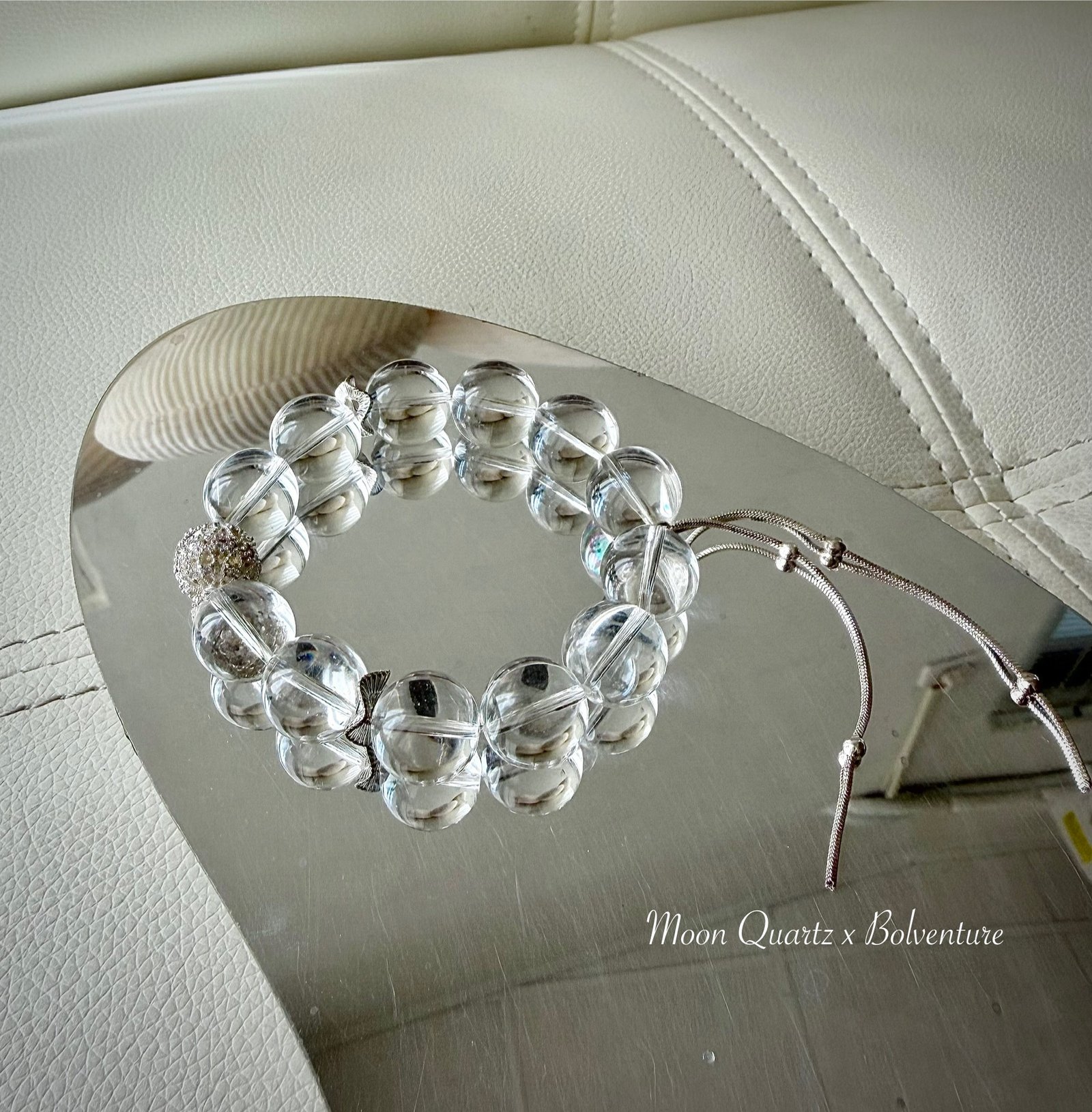
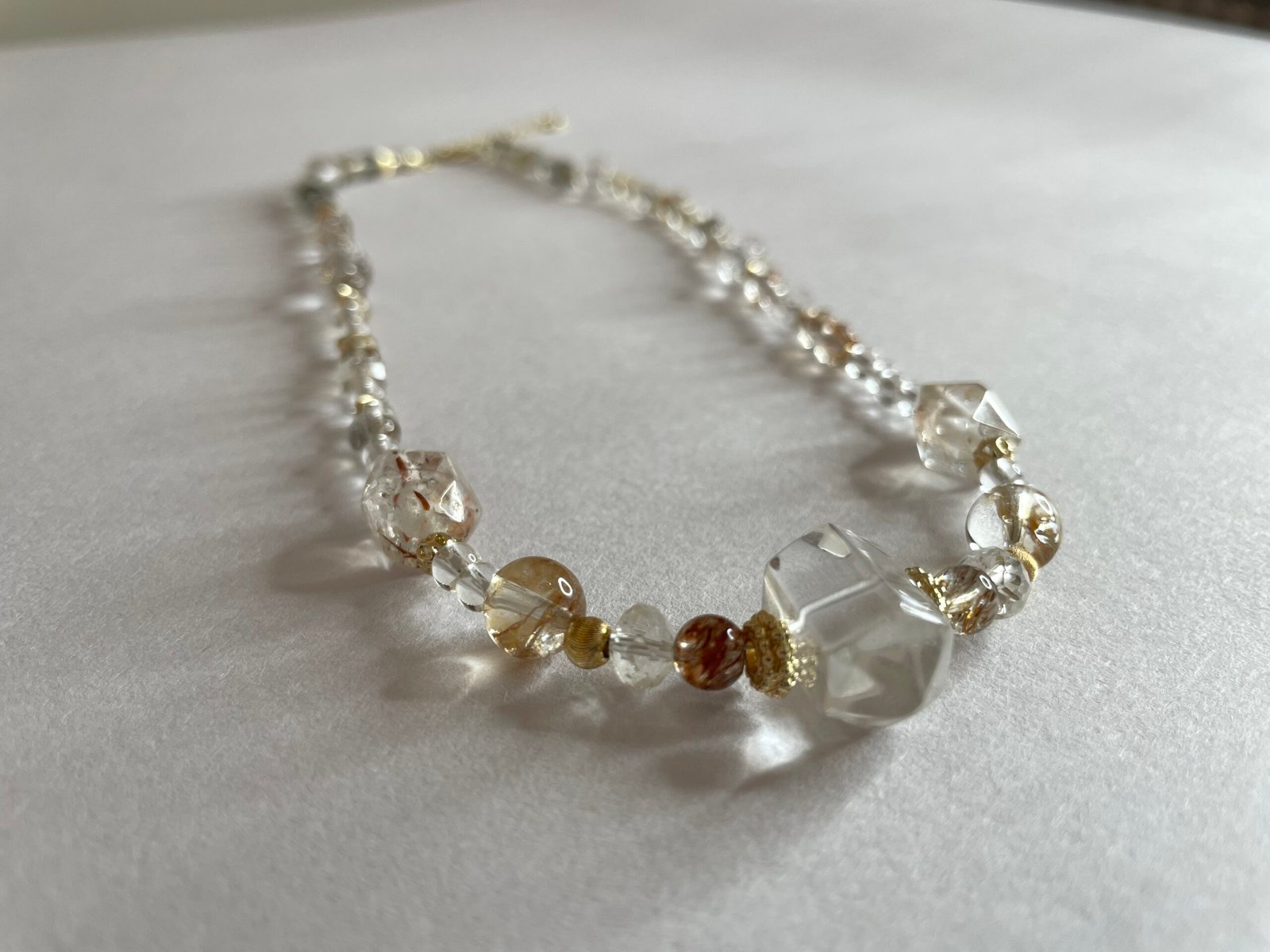
以礦石的色澤、紋理與設計,把一段心意,留在日常佩戴的細節裡。
Our Point of View
月光不急著照亮所有地方,
卻讓細節慢慢被看見。
我們以礦石與設計,替重要的心意留下形狀。
The Designer
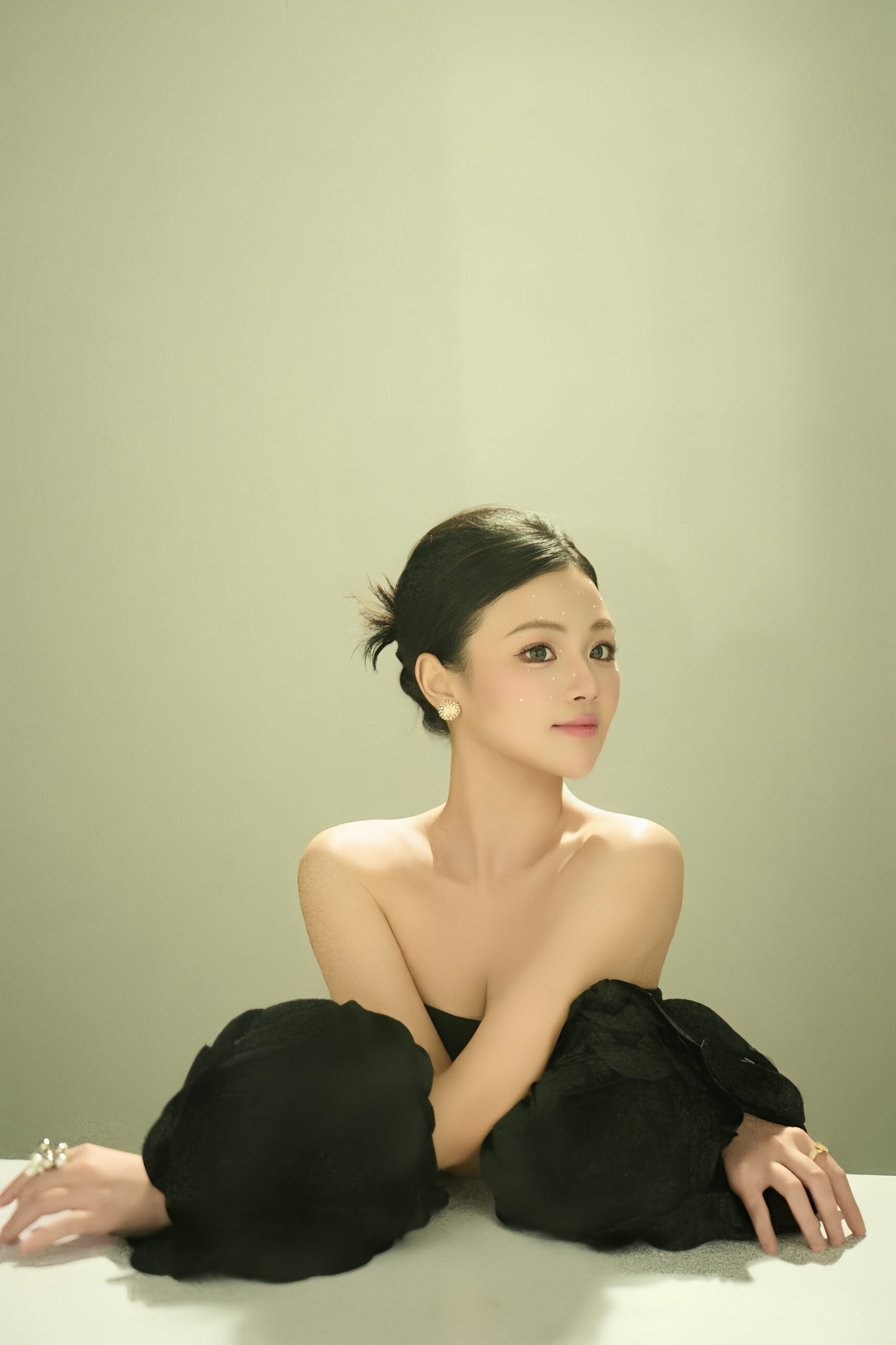
主理設計師 夢夢
我的本名裡有一個「夢」字,從小大家就叫我夢夢。而我確實是那種愛幻想、也喜歡把細小感受留在作品裡的人。
幾年前,我走過一段生活失去節奏的時期。那時我開始接觸礦石,也開始把挑選、配色與製作飾品,當成重新整理自己的一種創作方式。
創作沒有替我解決所有問題,卻讓我逐漸知道,自己想做什麼,以及想把什麼樣的作品交到別人手上。
「你值得被喜歡。
而這份喜歡,也可以從自己開始。」
— 夢夢
Selected Works
精選作品
點選作品,查看商品詳情
Stones & Materials
依礦石探索
依材質、色澤與設計挑選
Behind the Work
從一顆礦石,
到一件作品
一段關於挑選、配色與反覆確認的創作紀錄。首頁只保留一支主要影片,其他內容放進設計師專頁。
Bespoke
屬於你一個人的設計
有些心意,在現成作品裡找不到對應的樣子。從一次對話開始,一起把它做出來。
提出想法分享佩戴需求、預算與重要故事。
選材與報價確認材質、尺寸、處理方式、工期與價格。
設計確認書面確認設計內容與客製條款後開始製作。
完成與交付完成品確認、尾款、發票與可追蹤配送。
Bespoke Story
一件作品如何誕生
從選石、配色到完成,記錄一件專屬作品的誕生
Bespoke Necklace
Fortuna|命運女神
Fortune Favors the Bold
作品|手工訂製項鍊礦石|黑金超七、白水晶、綠幽靈
Journal
礦石手記
談外觀、材質、保養與創作
38 container 中繼資料區塊
39 container
40 button (collapsed) 中繼資料區塊, Secondary Actions: Expand
41 splitter Description: 拖曳以調整尺寸, Value: 0
42 text Use up and down arrow keys to resize the meta box pane.
43 container 編輯器設定
44 container edit-post:document
45 container
46 tab group
47 tab (selected, settable, boolean) 頁面, Value: 1, ID: tabs-0-edit-post/document
48 tab (selectable, settable, boolean) 區塊, Value: 0, ID: tabs-0-edit-post/block
49 button 關閉設定
50 container Description: 頁面, ID: tabs-0-edit-post/document-view
51 heading 首頁 靜態首頁, Value: 2
52 text 首頁 靜態首頁
53 pop up button (collapsed) Description: 可用操作, ID: :rk:, Secondary Actions: Expand
54 pop up button 設定精選圖片
55 text 19,698 個字,閱讀時間為 104 分鐘。
56 text 最後修改於 2 天前。
57 text 狀態
58 button (collapsed) Description: 變更狀態: 已發佈, Secondary Actions: Expand
59 text 發佈
60 button (collapsed) Description: 變更日期: 2026 年 9 月 4 日上午 1:25 UTC+0, Secondary Actions: Expand
61 text 連結
103 link Description: https://moonquartztw.com/ (在新分頁中開啟), Value: moonquartztw.com/
63 text 作者
64 button (collapsed) Description: 變更作者: bolventure.co@gmail.com, Secondary Actions: Expand
104 text 範本
105 pop up button (collapsed) Description: 範本設定, Secondary Actions: Expand
65 text 討論
66 button (collapsed) Description: 變更討論選項, Secondary Actions: Expand
67 text 內容修訂
68 link Description: Open revisions screen: 23 revisions, Value: moonquartztw.com/wp-admin/revision.php?revision=129
69 text 上層
70 button (collapsed) Description: 變更上層項目: 無, Secondary Actions: Expand
71 button 移至回收桶
72 container side-sortables
73 container litespeed_meta_boxes
74 heading LiteSpeed, Value: 2
75 text LiteSpeed
76 button (expanded) 切換面板: LiteSpeed, Secondary Actions: Collapse
77 container
78 checkbox (settable, integer) Description: Disable Cache, Value: 0, ID: litespeed_no_cache
79 checkbox (settable, integer) Description: Disable Image Lazyload, Value: 0, ID: litespeed_no_image_lazy
80 checkbox (settable, integer) Description: Disable VPI, Value: 0, ID: litespeed_no_vpi
81 text Viewport Images
82 text entry area (settable) Viewport Images, ID: litespeed_vpi_list
83 text Viewport Images – Mobile
84 text entry area (settable) Viewport Images – Mobile, ID: litespeed_vpi_list_mobile
85 link Description: 進一步了解, Value: docs.litespeedtech.com/lscache/lscwp/metabox/
86 container hostinger_page_title_visibility
87 heading Page Title Display, Value: 2
88 text Page Title Display
89 button (expanded) 切換面板: Page Title Display, Secondary Actions: Collapse
90 container
91 checkbox (settable, integer) Description: Hide page title, Value: 1
92 text Check this box to hide the page title on the frontend. This is useful when your page content already includes a heading.
93 container external_featured_image
94 heading External Featured Image, Value: 2
95 text External Featured Image
96 button (expanded) 切換面板: External Featured Image, Secondary Actions: Collapse
97 container
98 text Image URL:
99 text field (settable) Image URL:, ID: external_featured_image_url
100 container 編輯器發佈
101 pop up button (disabled, collapsed) 開啟 [儲存] 面板, Secondary Actions: Expand
106 container vue-app
107 button Ask AI
102 image
The focused UI element is 1 AXWebArea 編輯頁面 – 首頁 ‹ Moon Quartz 慕珀 — WordPress, URL: moonquartztw.com/wp-admin/post.php?post=4&action=edit